phonecmd — remote shell for your desktop

Your PC on the
command line,
from your phone

Run any command, browse and edit files, launch coding CLIs like Claude & Codex, and hand a GPT agent the keys — without sitting at your computer.

e2e encrypted · works on WiFi or over the internet · no account to try
features

The whole machine, driven from a thumb

PhoneCMD is a thin client on your phone talking to a host app on your PC. The desktop does the work; the phone points and taps.

terminal
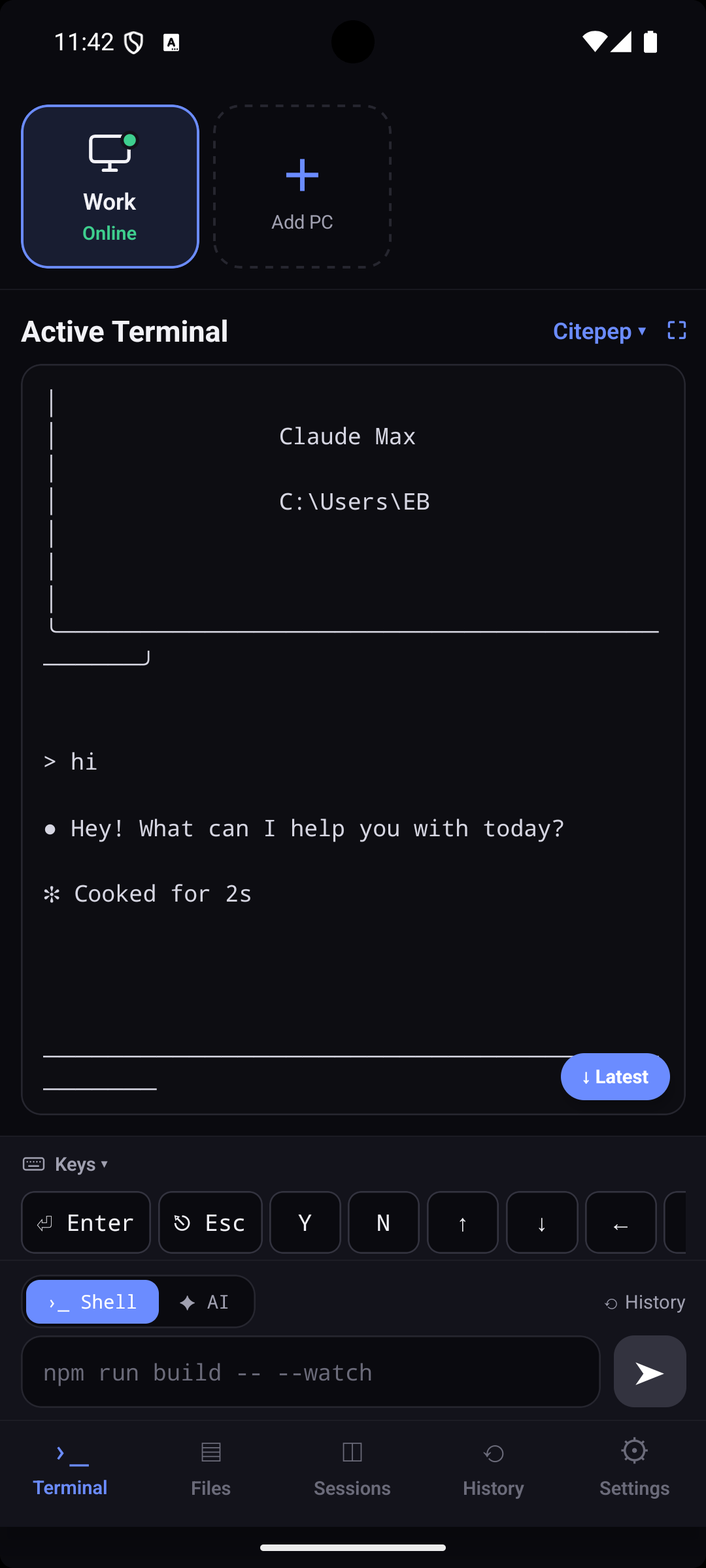
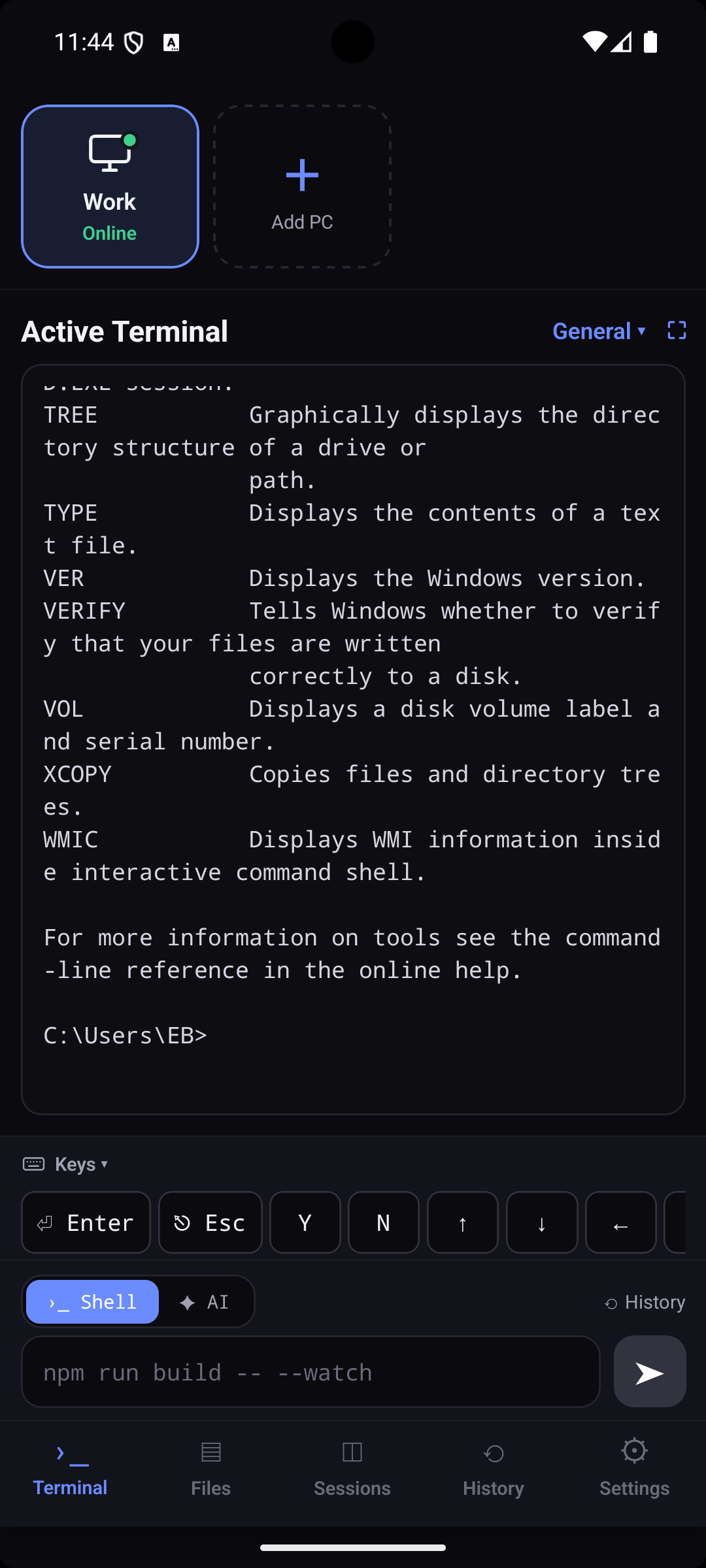
Run any shell command with live streaming output. Multiple tabs, history saved on the PC, Ctrl-C — a real terminal in your pocket.
files
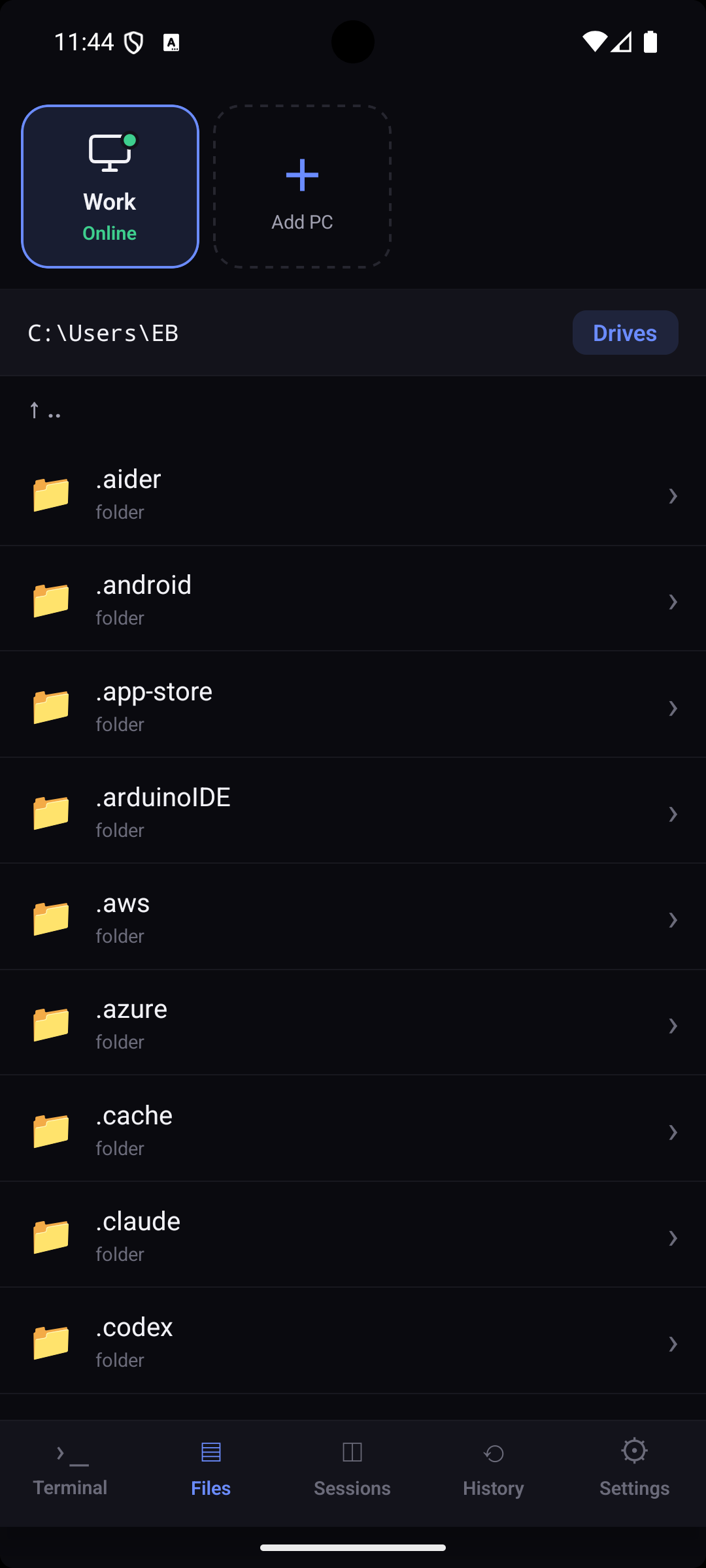
Browse every drive, read and edit files, rename, delete. Your computer's filesystem, on the phone.
coding agents
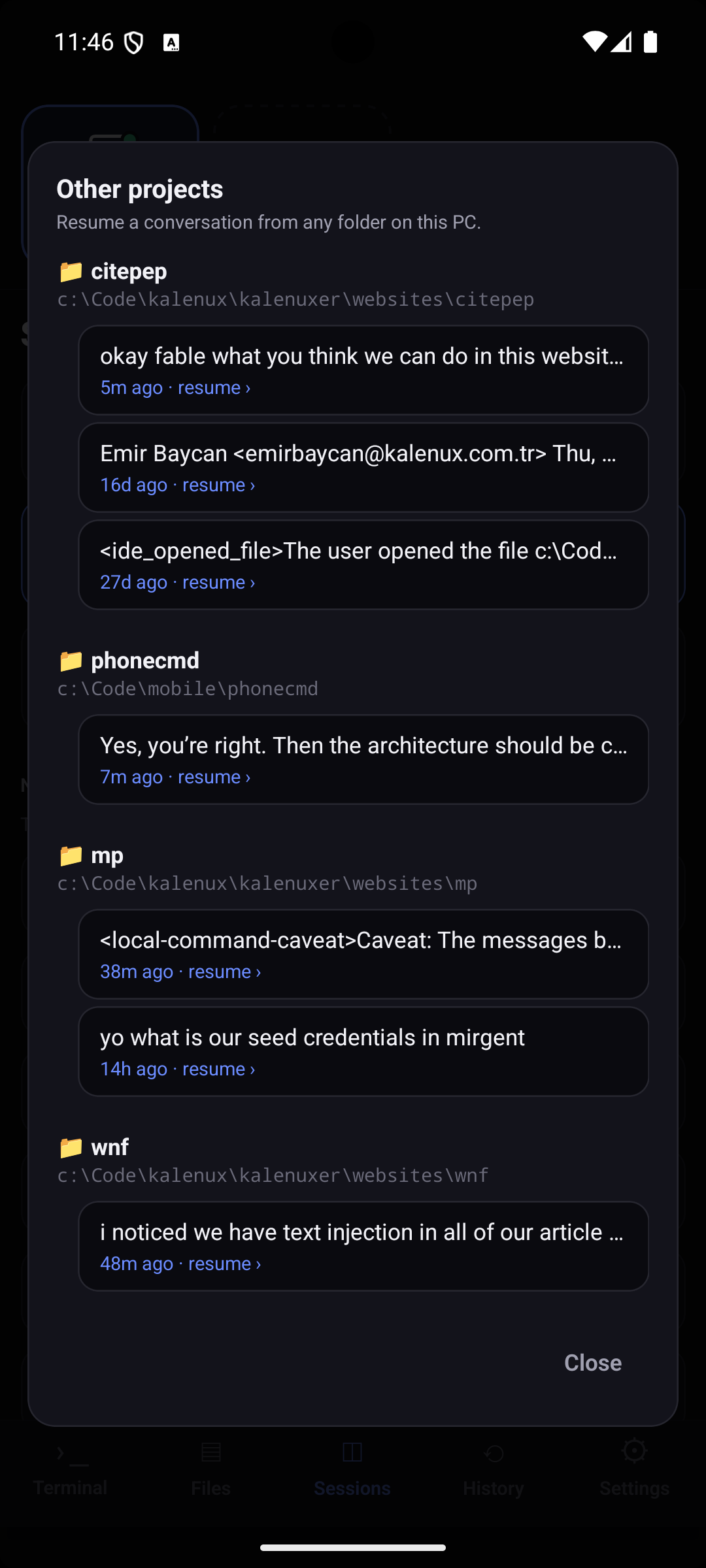
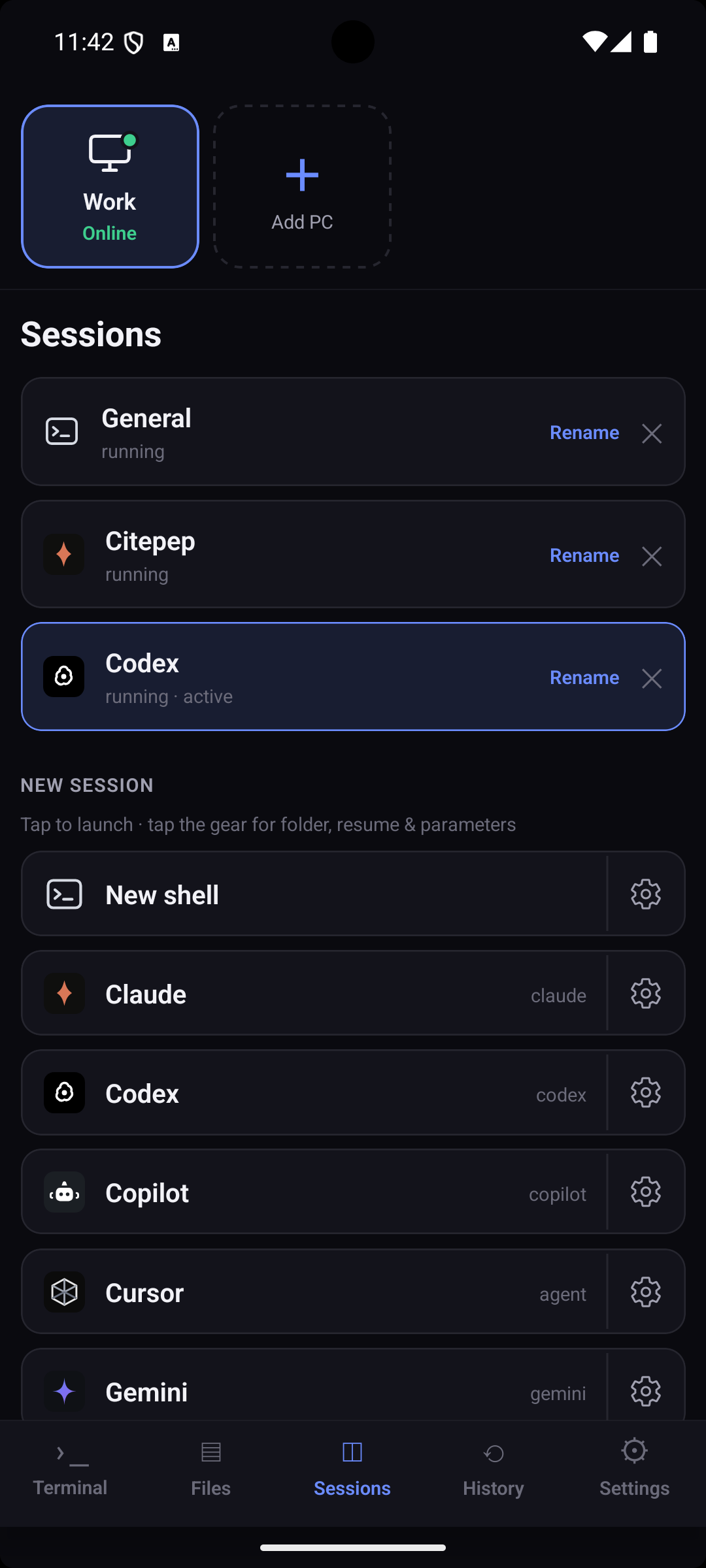
One-tap launch for Claude, Codex, Copilot, Cursor, Gemini & Aider. The app detects which are installed and passes your prompt straight in.
gpt agent
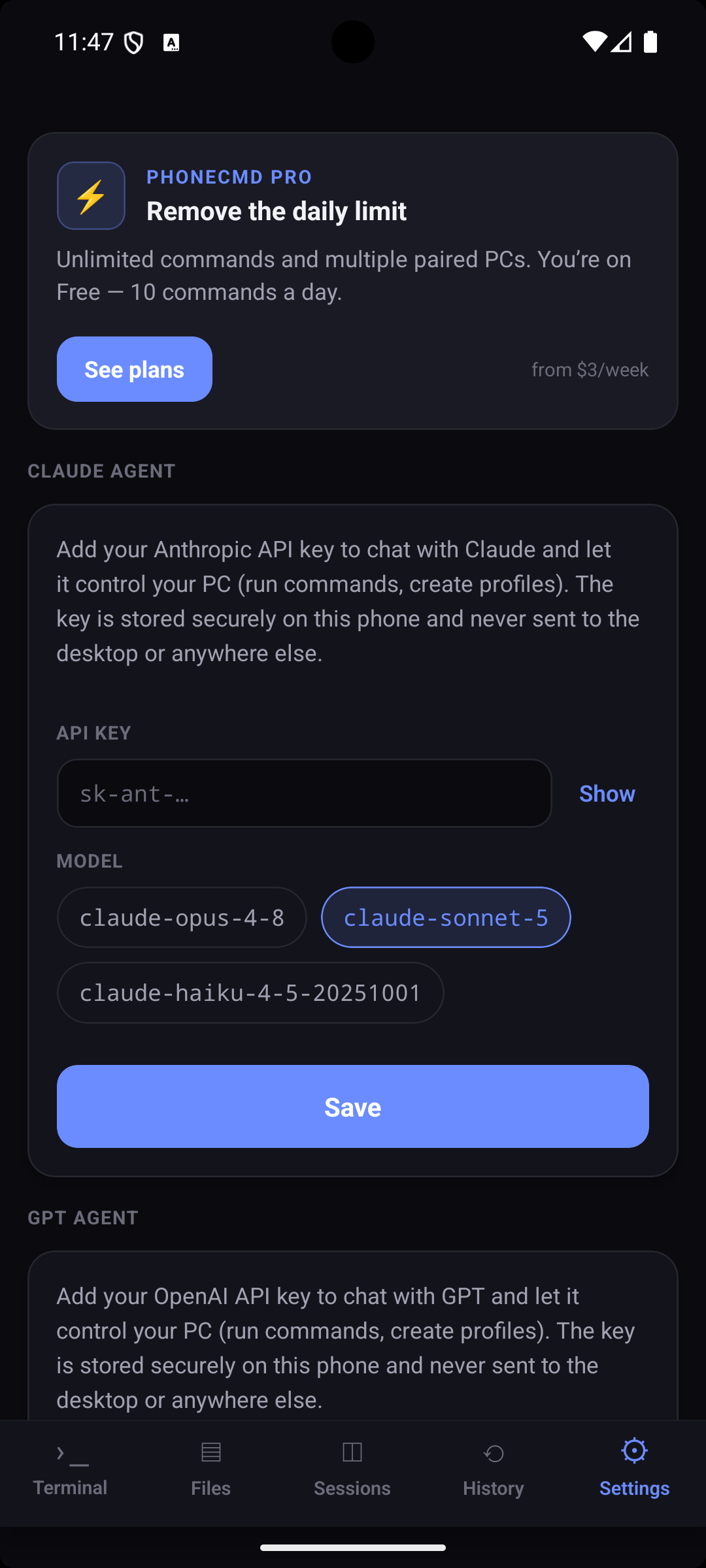
Chat with GPT using your own OpenAI key — it runs commands, reads files, and builds launch profiles for you. Watch it live, stop it anytime.
tabs & profiles
Run several agents at once in separate tabs. Save named profiles — a CLI plus a working dir — and relaunch with a tap.
anywhere
Same WiFi or across the internet via a built-in secure tunnel. Nothing to configure — the desktop app handles it.
how it works

Paired in under a minute

No accounts, no cloud holding your data. The desktop is the host; the phone connects to it directly.

step 01

open the desktop app

It starts a local server, opens a secure tunnel, and shows a pairing QR. Choose how long it stays valid — or never expires.

step 02

scan with your phone

The app scans the QR and runs an end-to-end encrypted handshake. Approve the device on your desktop and you're in.

step 03

control your PC

Terminal, files, coding CLIs, and the GPT agent — all over the encrypted channel. The relay only ever sees ciphertext.

security

Private by construction

Every byte between your phone and PC is end-to-end encrypted with libsodium. The relay is zero-knowledge — it forwards ciphertext and can't read your commands or files. Your OpenAI key never leaves the phone.

X25519 + XChaCha20-Poly1305 (crypto_box)
zero-knowledge relay — ciphertext only
API keys stored in the device keystore
you approve every device that pairs
handshake → X25519 key exchange
seal → crypto_box_easy
relay → sees only ciphertext
keys → never leave the phone
pricing

Start free

Try everything with no account. Upgrade when you want more devices and an always-on tunnel.

free
$0
  • Terminal, files & coding CLIs
  • One paired device
  • Same-network + quick tunnel
  • Bring your own OpenAI key
get started
coming soon
pro
$— /mo
  • Everything in Free
  • Multiple paired devices
  • Stable custom tunnel URL
  • Priority support
join the waitlist
get phonecmd

Install, pair, done

Run the desktop host on your computer, install the phone app, scan the QR. That's the whole setup.

iOS coming · web app in progress · open source-friendly stack